Week View
Overview
The Week view displays appointments for an entire week, from Monday to Sunday.
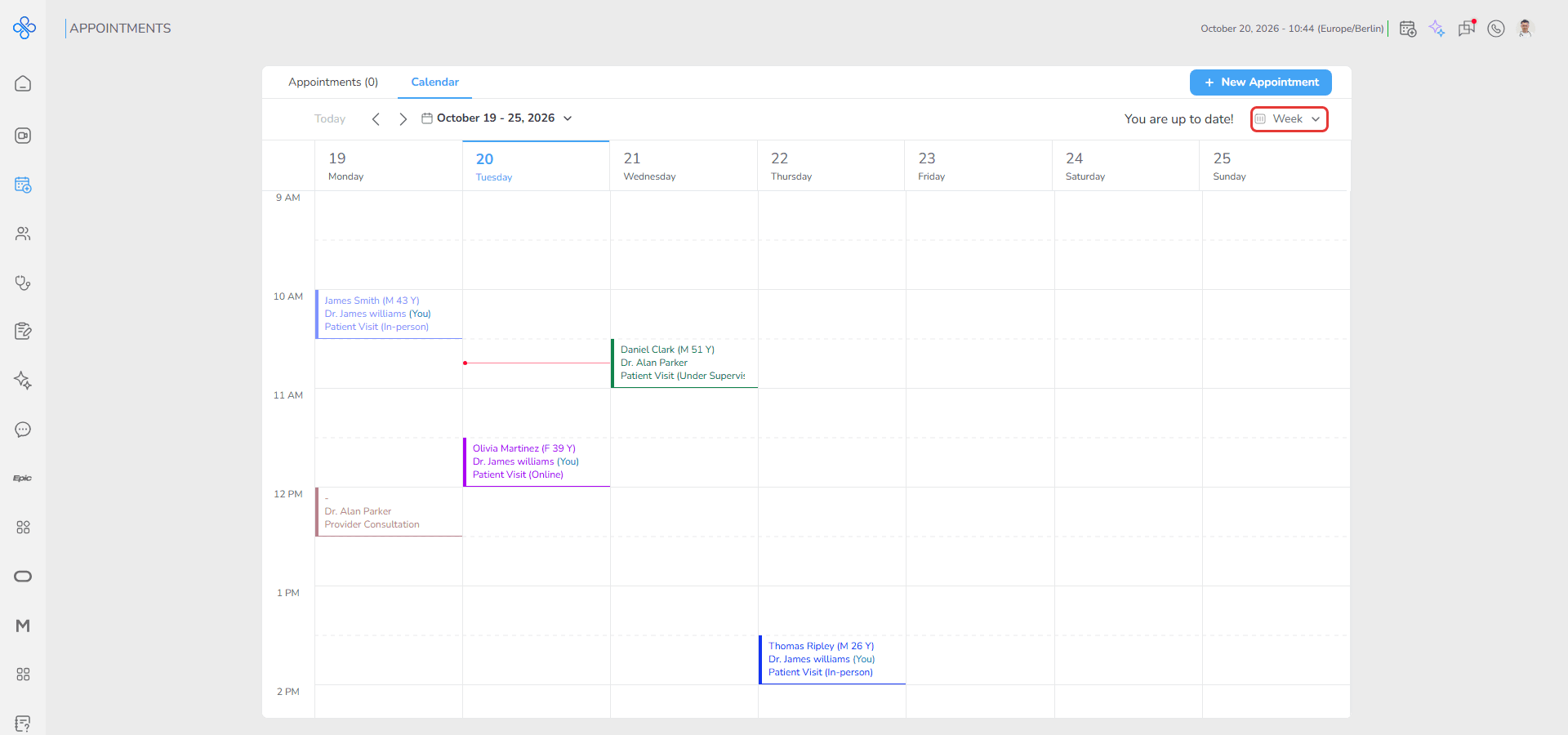
You can review all appointments scheduled during the selected week and create appointments directly from the calendar. Today's date is shown in blue.
Access
1. Open the Calendar page
2. Click the view dropdown at the top right and select Week
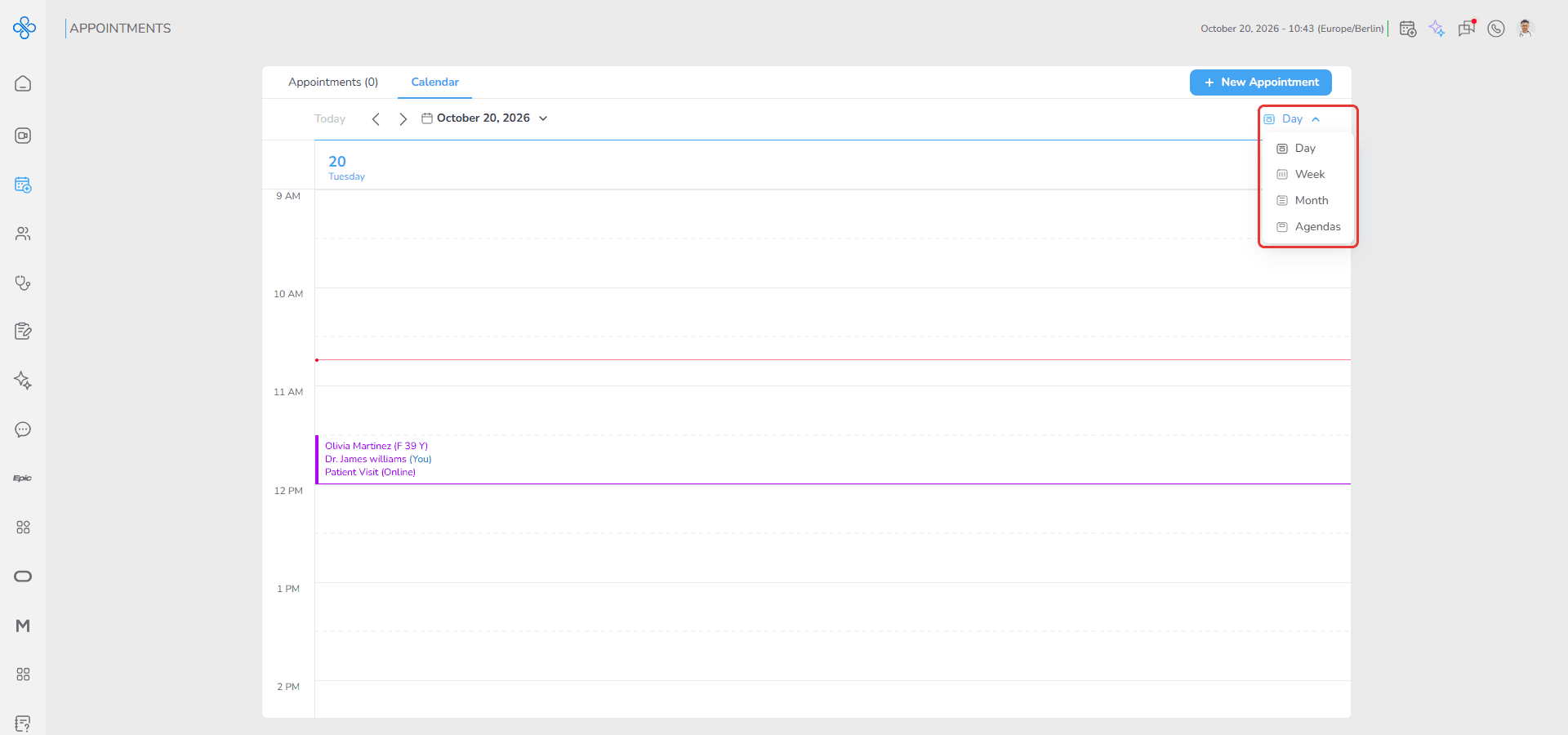
The calendar displays the weekly schedule.
Steps
How to select a week
1. Click the date picker at the top left
2. Select any date
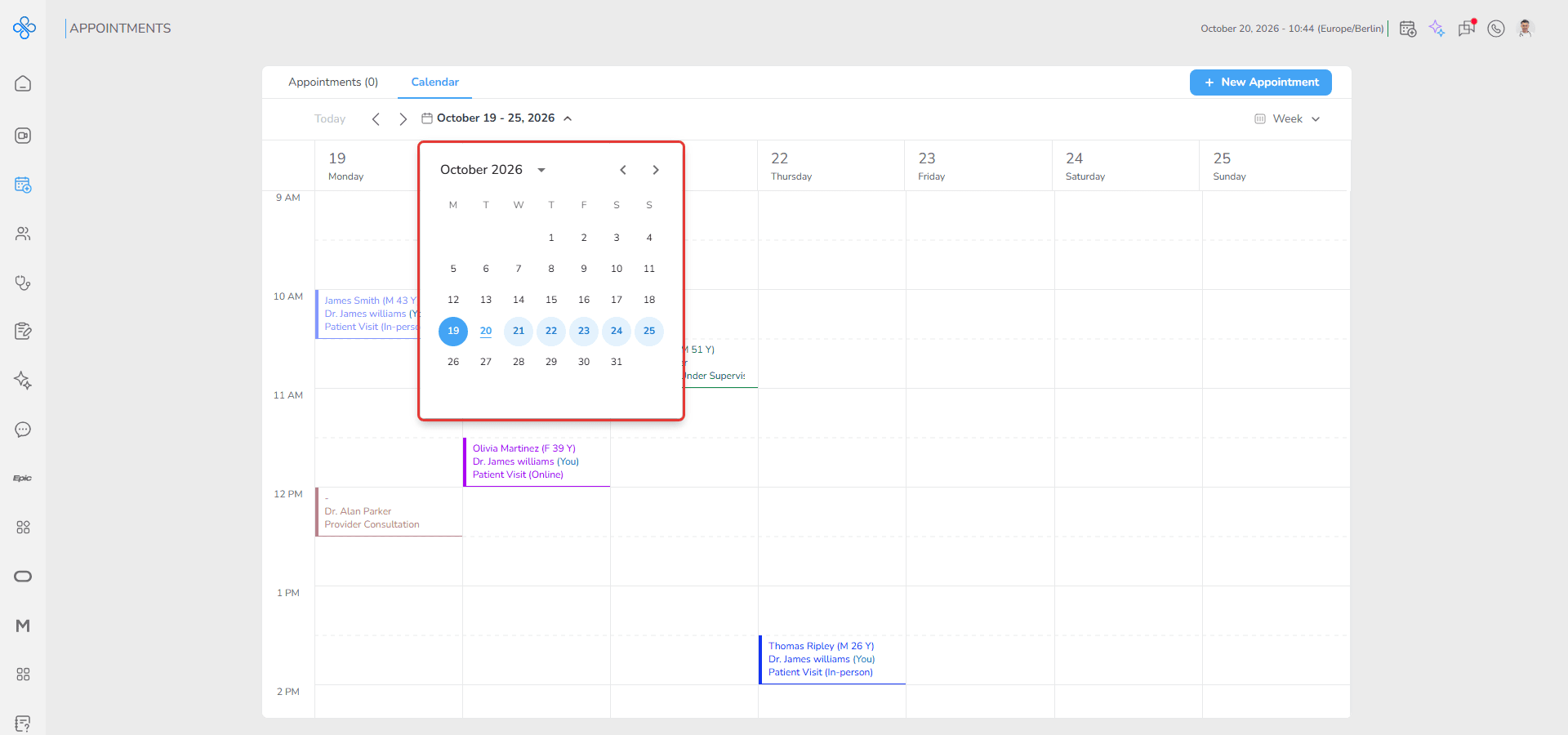
The calendar opens the week that contains the selected date.
How to move between weeks
1. Click the left arrow to open the previous week
2. Click the right arrow to open the next week
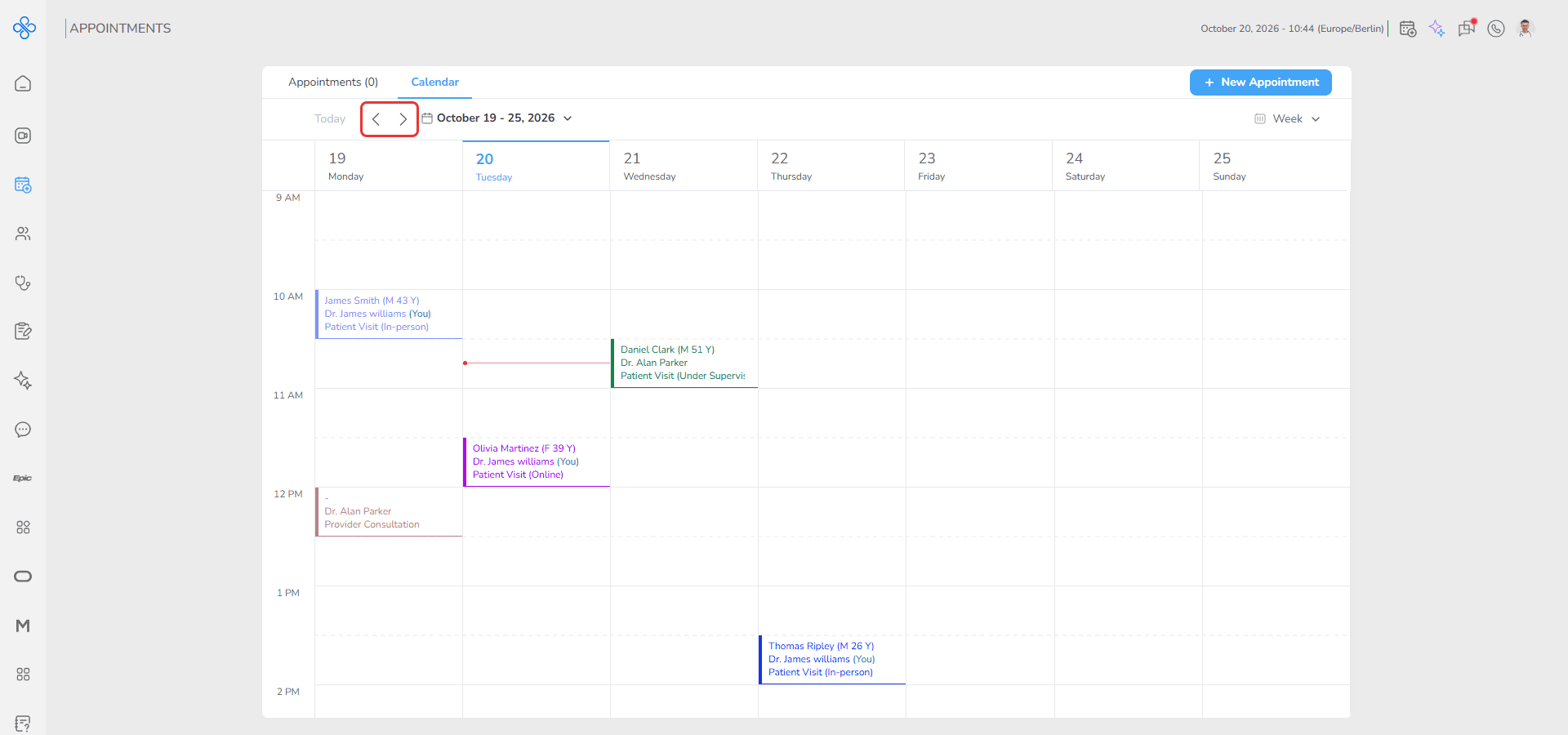
The weekly calendar updates automatically.
How to return to the current week
1. Click Today
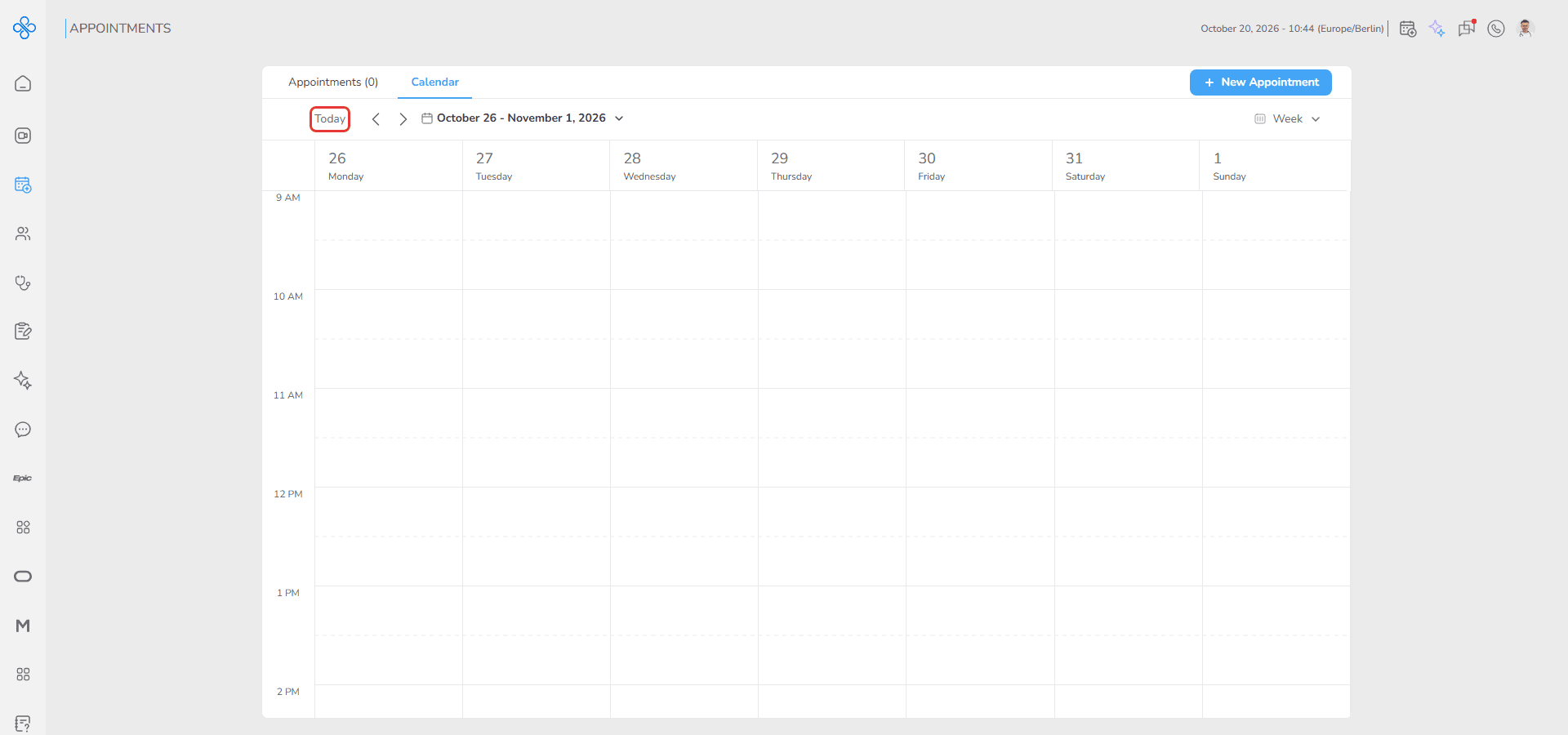
The calendar returns to the week that contains today's date.
How to create an appointment
1. Double-click any empty time slot in the weekly calendar
2. The Make an Appointment window opens
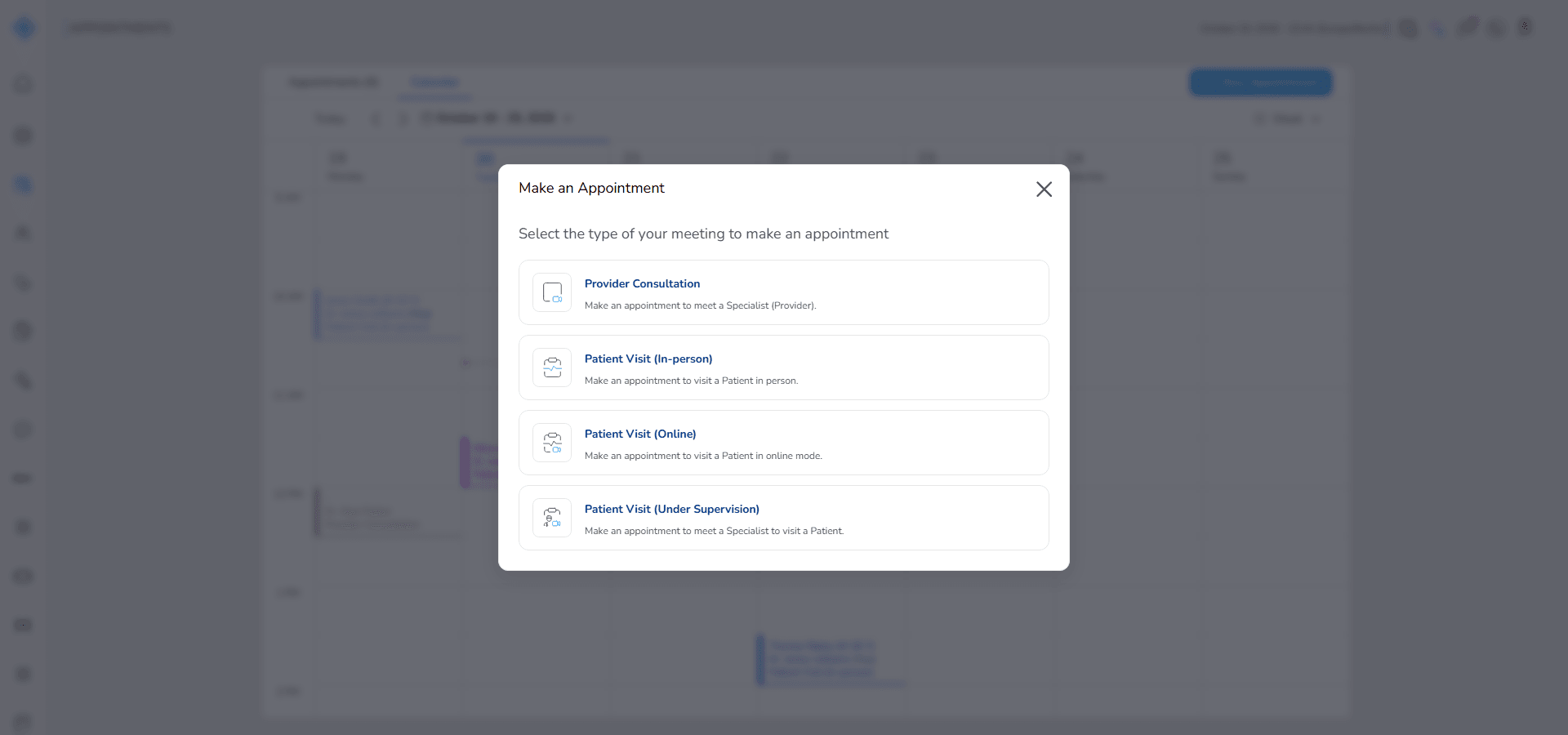
3. Select the appointment type and complete the appointment details
You can also use the + New Appointment button at the top of the page. For more information, refer to the Appointment System user guide.
Fields (Field Descriptions)
| Field | Description | Behavior |
|---|---|---|
| Date Picker | Selects a date inside a week | Opens the related week |
| Left Arrow | Opens previous week | Updates weekly schedule |
| Right Arrow | Opens next week | Updates weekly schedule |
| Today | Returns to current week | Displays this week's appointments |
| Time Slot | Empty time inside the week calendar | Double-clicking opens the Make an Appointment window |
| Red Time Line | Displays current time | Updates automatically |
| Appointment Block | Displays appointment information | Shows patient, provider and appointment type |
Behavior & Expected Outcome
- The calendar displays appointments across a weekly timeline, Monday first.
- The red current time line behaves the same as in Day view.
- Double-clicking a time slot opens appointment creation.
- Weekly navigation changes the calendar by full weeks.
- The Today button returns to the current week.
Common Errors + Fixes
| Issue | Cause | Fix |
|---|---|---|
| Incorrect week is displayed | Wrong date was selected | Select a date inside the correct week |
| Appointments are missing | No appointments exist in that week | Check another week or create appointments |
| Time slot cannot be selected | Calendar is still loading | Wait a few seconds and double-click again |